MeshCore App
The MeshCore App is the official mobile application for connecting to and managing your MeshCore companion device. It provides a user-friendly interface for communicating over the mesh network, managing contacts and channels, accessing repeaters, and monitoring your device status—all from your smartphone.
Getting Started
To use the MeshCore App, you'll need:
- A Companion Bluetooth device flashed with MeshCore firmware
- The MeshCore App installed on your smartphone
- Bluetooth pairing between your phone and device (default PIN is usually
123456or as shown on the device screen)
Once connected, you can start chatting, adding contacts, and exploring the mesh network.
App Interface Overview
Header
The header section at the top of the screen displays important information and menu options:

- Status Information: Below the title, you'll see battery level and your device name
- Icons (from left to right):
- Advert: Select how to send an advert.
Button Description Advert Zero Hop Sends an advert to all local, direct nodes. Advert Flood Routed Sends an advert to all nodes on the mesh. Advert To Clipboad Saves your contact info to the clipboad. - Settings Icon (⚙️): Tap this to access the Settings screen.
- Menu Icon (⋮): Opens additional options menu.
Button Description Disconnect Disconnect from your device. Add Contact Add a new contact to your device. Add Channel Add a new channel to your device. Discover Contacts Shows list of nodes that have adverted on the mesh. Can add nodes to contact list. My Contact Code Displays a QR code for others to scan. Internet Map Displays the internet map showing all the MeshCore nodes over the world. Tools List of tools available within the MeshCore app. About MeshCore Displays infornation about MeshCore, the firmware, and the app.
- Advert: Select how to send an advert.
Tab Bar
The tab bar at the bottom of the screen displays navigation information:
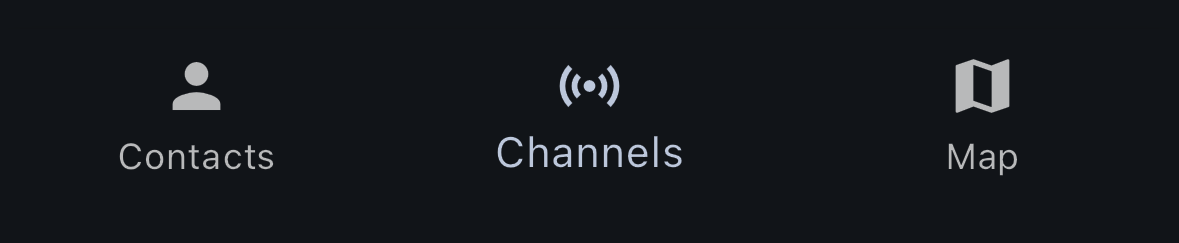
- Contacts: Displays list of contacts saved on your device
- Channels: Displays list of channels saved on your device
- Map: Displays a map of locations of your saved contacts