Tools
The Tools menu provides various utilities for analyzing and managing mesh network coverage and diagnostics.
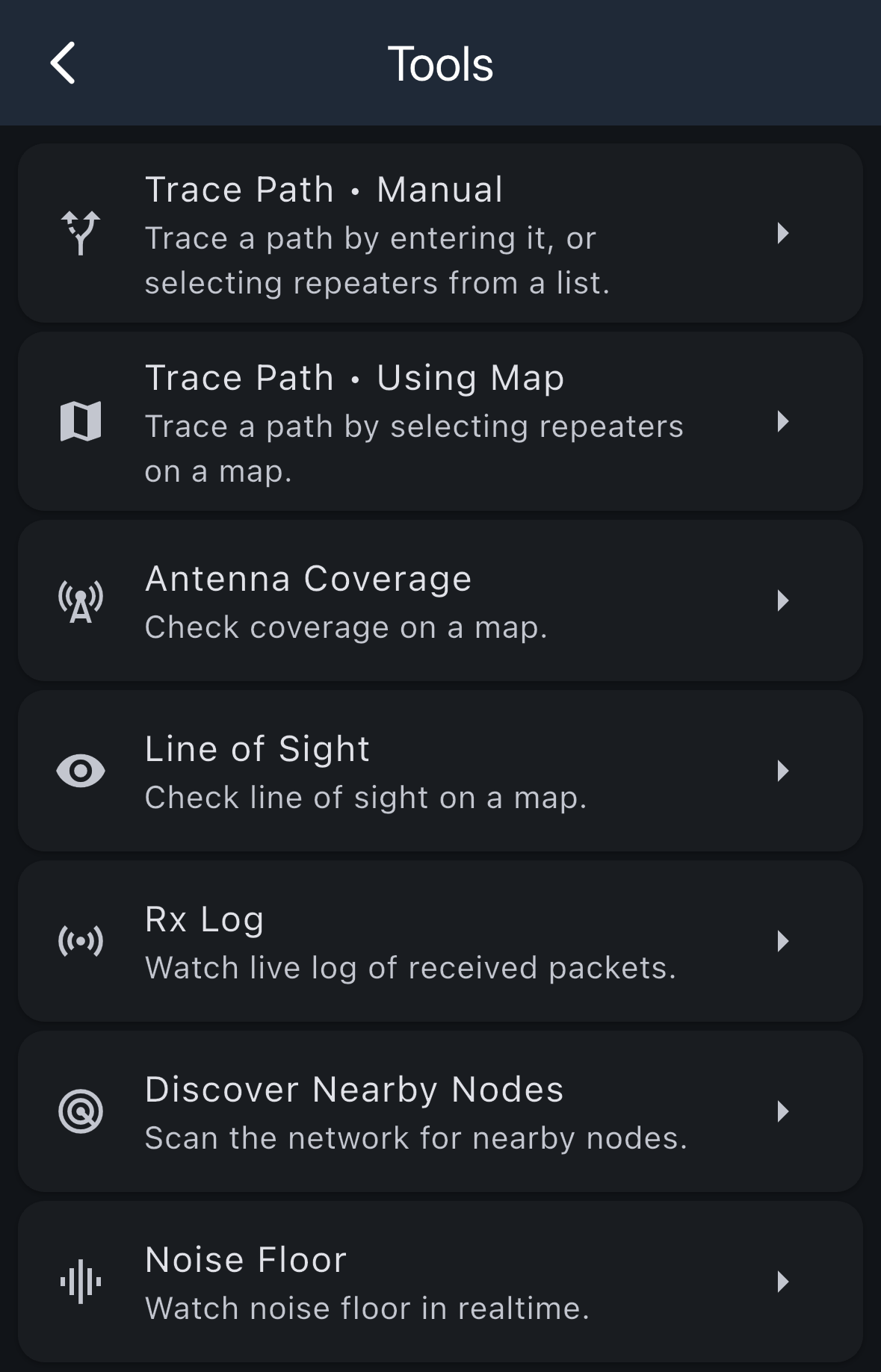
Available Tools
Trace Path • Manual
Trace a path by entering it manually, or selecting repeaters from a list. This tool allows you to see how strong repeaters are connected to each other by manually specifying the route by choosing specific repeaters.
Trace Path • Using Map
Trace a path by selecting repeaters on a map. This visual tool allows you to see how strong repeaters are connected to each other by selecting repeaters displayed on a map.
Antenna Coverage
Check coverage on a map. This tool helps you visualize the coverage area of your antenna and understand the reach of your signal across the mesh network.
Line of Sight
Check line of sight on a map. Use this tool to determine if there's a clear line of sight between two points on a map.
Rx Log
Watch live log of received packets. This diagnostic tool provides real-time monitoring of all packets your device receives, helping you troubleshoot connectivity and message delivery issues.
Discover Nearby Nodes
Scan the network for nearby nodes. This tool actively searches for and discovers nodes in your vicinity, helping you identify available connections and expand your network awareness.
Noise Floor
Watch noise floor in realtime. This diagnostic tool monitors the ambient radio noise levels in real-time, which is crucial for understanding signal quality and potential interference issues.